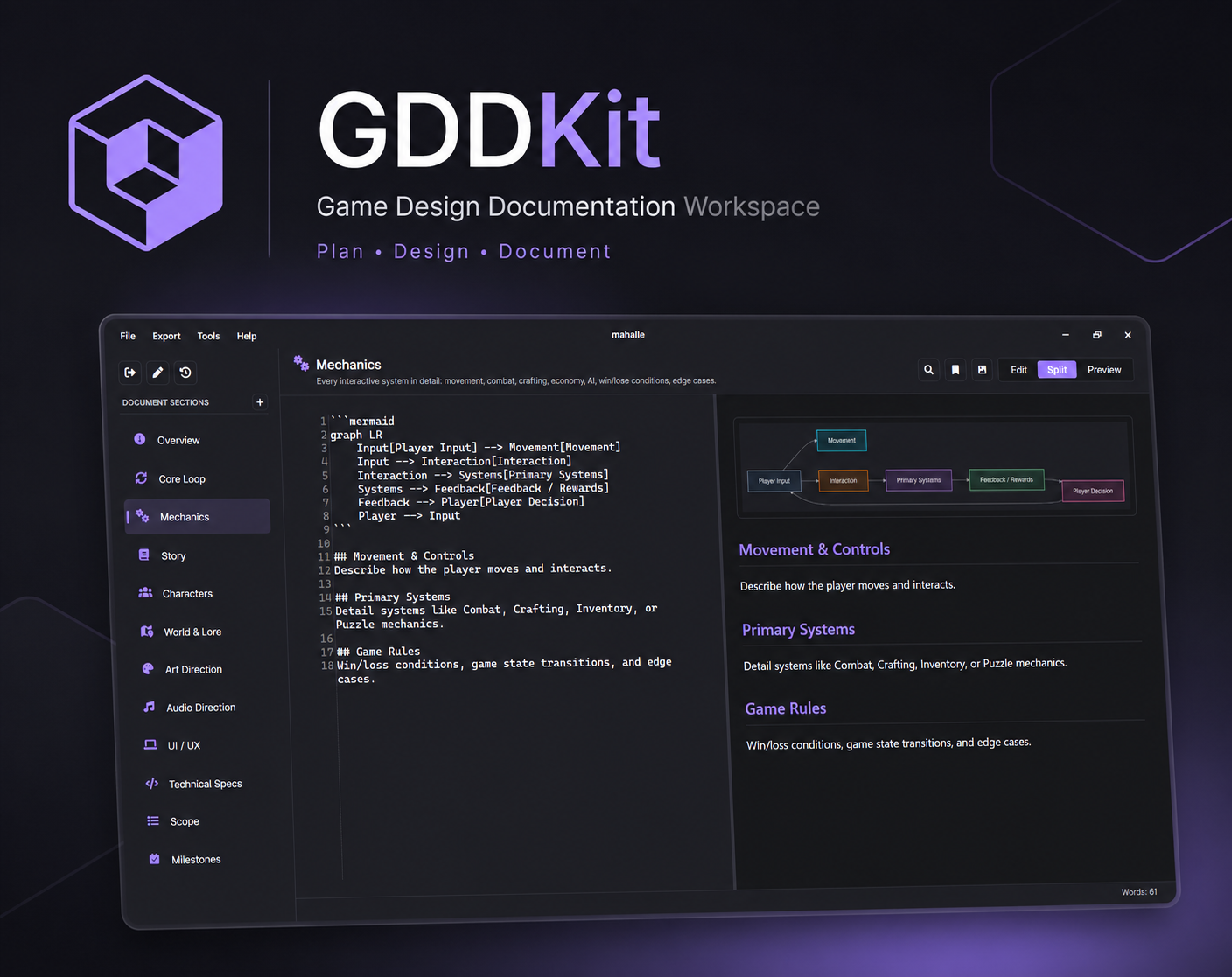
GDDKit
A downloadable tool for Windows
The Game Design Document Workspace
Stop fighting generic text editors. GDDKit provides game developers, indie studios, and solo creators with a focused workspace tailored to game design workflows.
Key Features
- 12 Built-in GDD Templates Overview, Core Loop, Mechanics, Story, Characters, World Lore, Art/Audio Direction, UI/UX, Technical Specs, Scope, and Milestones.
- 6 Ready-to-Use Presets Quickly spawn spec templates for Boss Design, Weapon Specs, Quest Design, Enemy Archetypes, Level Briefs, and UI Screen Specs.
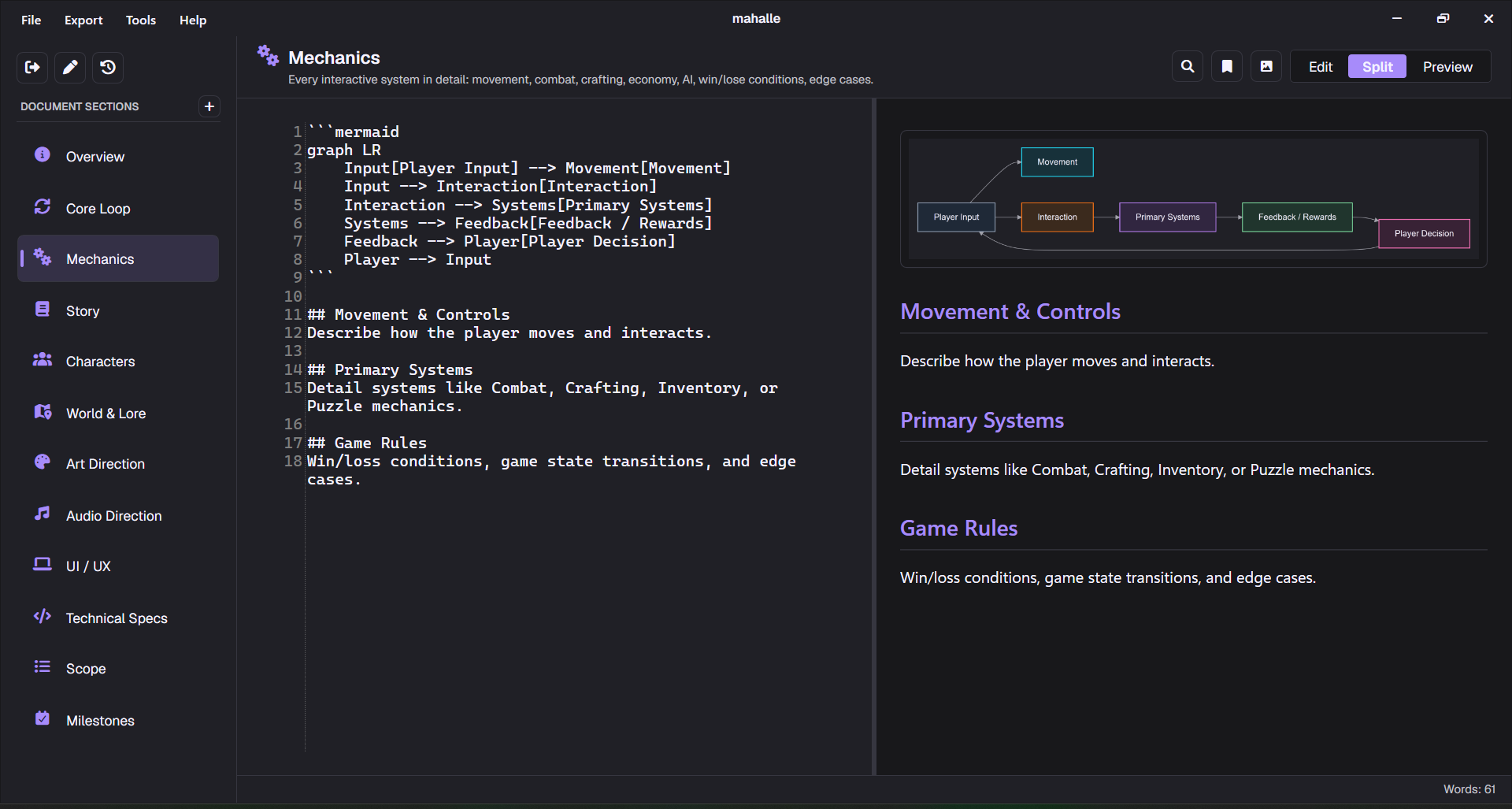
- Live Preview & Split-View Write in Markdown and see live rendering instantly. Switch views easily while writing.
- Mermaid.js Diagrams Draw core loops, flowcharts, progression paths, and project Gantt charts inline and render them dynamically.
- 8 PDF Export Themes Generate professional PDF exports with cover pages using themes like Publisher Pitch, Studio Bible, Blueprint, and Retro RPG.
- 100% Offline-First Your documents stay on your machine. Saved as local, portable, Git-friendly .gddkit (JSON) files.
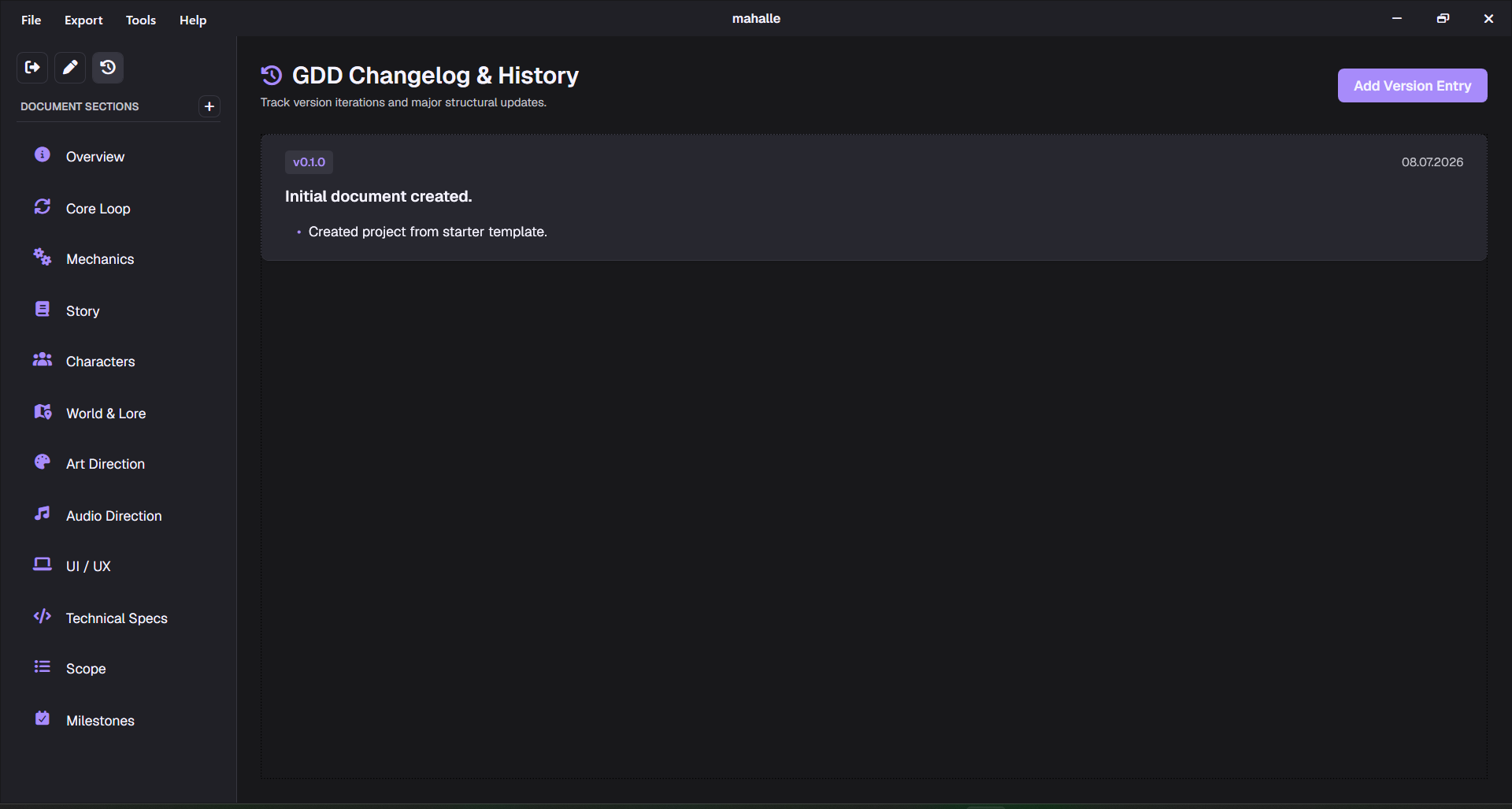
- Changelog Tracker Keep a detailed iteration history directly inside your document file to track version changes.
System Requirements
- Operating System Windows 10 or Windows 11 (64-bit)
Purchase
In order to download this tool you must purchase it at or above the minimum price of $6 USD. You will get access to the following files:
Comments
Log in with itch.io to leave a comment.
when will it come on linux?
Hi! Linux support is on the roadmap. I'm planning to rebuild the UI with Avalonia to bring it to Linux and macOS in a future update.
ty
and whats your dc server?
no discord yet :'), will drop the link here when it's up

aight ty
hey, really neat little program! I've been waiting for a program dedicated to GDDs specifically without the extra stuff for ages now. just as a heads up, the current version appears to have broken mermaid diagrams, at least on my end. it can't render any of the different types in the default project, saying "Mermaid diagram could not be rendered locally. Showing source."
Thank you so much for the kind words and for reporting this!
I’ve just shipped a hotfix for the Mermaid rendering issue. Could you update to the latest build via Help -> Check for Updates, then reopen the project and try the diagrams again (v1.0.3)?
If diagrams still don’t render, please send this file to camyesili25@gmail.com:
%LOCALAPPDATA%\GDDKit\Logs\mermaid-render.log
I can confirm the new version renders the diagrams, thank you! I see vertical TDs can get pretty ginormous (like Core Loop) but that can be worked around.
I also observed that when rapidly editing a mermaid graph, i.e. adding a bunch of --> links in rapid succession, it both takes a very long time to load the graph (~1-2 or so minutes) and can cause pretty nasty performance issues in the meantime. The first time I did this it made my mouse stutter badly enough I couldn't click on anything, and crashed a few windows explorer windows, but the next few times I tested it it caused only minor stuttering of my mouse. I just figure I should mention it in case it needs to be looked at. I haven't found any other issues as of yet.
I like to play around with new programs, so I suppose I'm stress testing it haha. I'm really liking what I'm seeing and I'm already using it to organize stuff for a project I've been knocking around in my head :) I just realized you can add and edit sections too, so it can even be used for simple things other than GDDs. Super cool!
Thank you so much, that genuinely means a lot!
and honestly, stress testing is super helpful haha. I looked into the rapid Mermaid editing issue and shipped another update that should make it much smoother. The app now avoids wasting work on outdated diagram renders while you’re typing, and I also adjusted the diagram scaling so very tall/wide diagrams should behave better in the preview.
I’m really happy to hear you’re already using it for a project. That’s exactly the kind of thing I hoped GDDKit would help with. Also added a “Submit Feedback” option to the Help menu, so it’s now easier to send bug reports or feature requests in the future.
Thanks again for taking the time to test it and report this stuff. It helps a lot.
heyy first launch!